

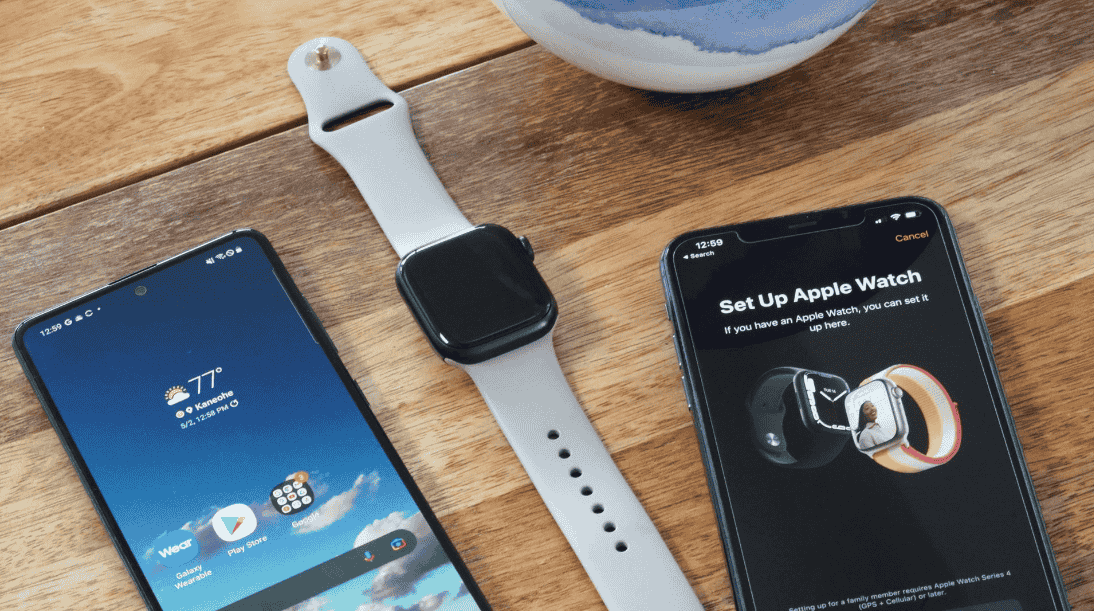
There is no way to connect an Apple Watch to an Android phone the way Apple designed it, because setup runs through the iPhone Watch app and Android has no equivalent. Three partial routes exist: moving a SIM card, running a bridge app, or testing a community tool.
- Do Apple Watches Work with Android Phones at All?
- What Will Your Apple Watch Lose When Used with Android?
- What Do You Need to Make an Apple Watch Work on Android?
- How Do You Set Up an Apple Watch to Work with an Android Phone?
- Can the Merge App Bridge an Apple Watch to Android?
- What Can the Apple Watch Companion Project Do on Android?
- Why Does Rooting Raise the Stakes for Apple Watch on Android?
- What Should You Do Right Now If You Want an Apple Watch on Android?
- Is a Wear OS Smartwatch a Better Fit for Android?
- Can You Use a Samsung Galaxy Watch with an iPhone?
- Does Any Android Watch Match the Apple Watch?
Most readers asking this want the watch to pair with the handset in their pocket, and it will not. The nearest option is borrowing the phone line: a cellular model can take calls that way, yet nothing will sync, so you keep a sliver of functionality and lose the rest. The SIM route also needs a one-time transfer from an iPhone into the Android handset.
Bridge apps form the second route. One of them offers One Watch Two Phones use and lists models from Apple Watch 4 to Apple Watch SE and beyond. The third route comes from Ismail Šojal, whose side project grabbed the headlines recently.
That tool remains unproven, resting on a single verified hardware pairing while expanded device support stays a promise. This complete guide weighs all three routes.
Do Apple Watches Work with Android Phones at All?
An Apple Watch cannot be set up from an Android phone, because Apple’s setup process requires an iPhone.
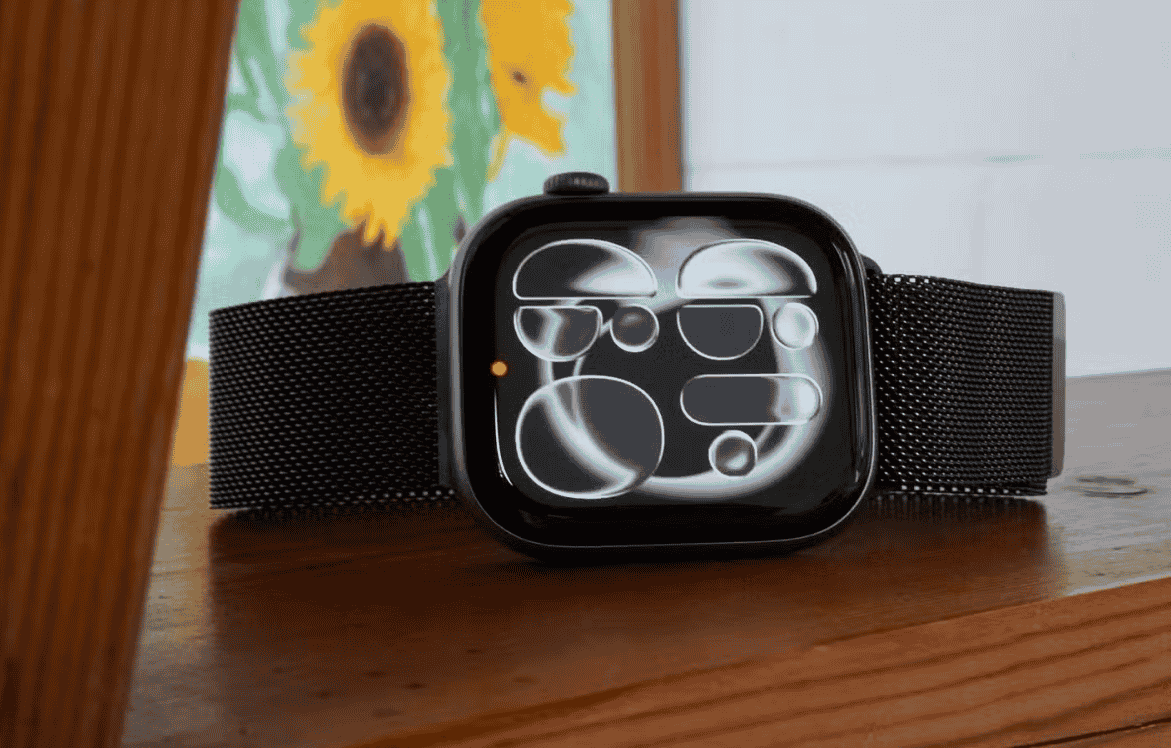
The obstacle is the ecosystem, not radio hardware. Apple Watch is built around iOS, and seamless connectivity exists only between Apple devices. Owners of a Samsung Galaxy S23 or a OnePlus 11 find that the watch never shows up as a selectable device at all.
Even the SIM route begins on Apple hardware: an iPhone 6 is the oldest model named for it, and modern iPhones all clear the bar. A test call from the iPhone confirms the line is live before anything moves.
The bridge app’s supported list now stretches to Apple Watch Ultra 3 and Apple Watch 12, while the Companion tool reaches only select settings on one device. Android-only buyers should therefore skip the purchase; a watch built for Android, including one billed as the first Android smartwatch with Fitbit tracking, delivers a full-fledged smartwatch experience with fewer compromises. A few quirks matter too: iMessages sent from the watch work, SMS messages tend to fail, and Telegram is the dependable fallback.
What Will Your Apple Watch Lose When Used with Android?
An Apple Watch used with an Android phone loses most features that depend on an iPhone, and no step in the setup restores them.
The watch is a brilliant iPhone companion, which explains the caveats: it keeps running standalone apps on its own radio, yet its health tools stop reporting to the handset. Reports from PhoneArena and Android Authority list missing features such as calls and health data even on experimental builds, while message replies from the wrist work in some bridge setups.
Cellular is the murkiest area. Apple’s own documents tie standard cellular activation to an iPhone on the same carrier plan as the watch. The lone exception, Apple Watch For Your Kids, lets a family member without an iPhone use a cellular watch, though an organizer still needs an iPhone elsewhere on the account. Testing with Airplane Mode on the iPhone shows whether the watch holds its own connection.
Because these routes sit outside Apple’s documented setup, expect little manufacturer support when something breaks. A watch built on Google’s vision of wearables, such as one with Fitbit health tracking, is a great alternative when the complete Apple Watch experience is off the table.
What Do You Need to Make an Apple Watch Work on Android?
You need an iPhone and a cellular Apple Watch before anything else, because Apple Watch setup cannot start on Android.
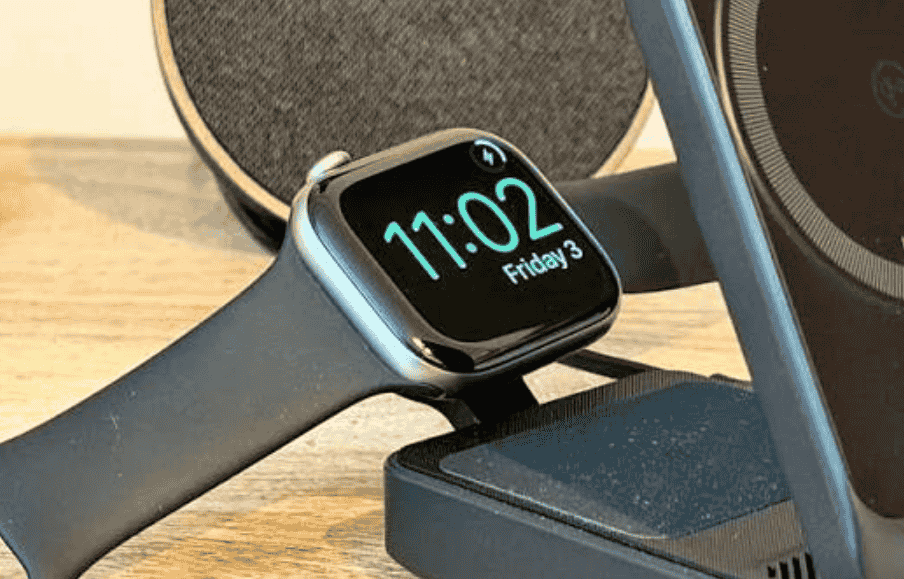
The iPhone requirement is the real gate. That phone must be signed in to an iCloud account, then you run Pair New Watch from the Watch app and choose Set Up for Myself. The App Store supplies whichever apps you want on the wrist during that session, which is why skipping the iPhone fails.
Pick the watch for its LTE radio, because it must work independently of any nearby phone. The price is power: constant cellular use drains the battery fast, so check battery status before leaning on the setup, and note that a rival with a larger battery avoids the squeeze. Android makers matter too, since each OEM can ship a different SIM size.
No reporting shows any tool that can provision a cellular line itself, which keeps the iPhone essential. A bridge-app testimonial says a Galaxy Watch Ultra stays linked to an iPhone without random dropouts, and watches built for Android deliver a fuller app experience, a native wearable UI, and richer smartwatch features without any of this.
How Do You Set Up an Apple Watch to Work with an Android Phone?
Setting up an Apple Watch to work with an Android phone means pairing it with an iPhone first, then moving the SIM card into the Android handset.
The swap depends on SIM card compatibility, so check it before touching anything. A SIM card tool frees the tray on an iPhone 13 and earlier, while an iPhone 14 involves a virtual eSIM on the Android side instead. Both phones must take the same sized physical SIM; most use nano SIM, though some Android devices use micro SIM.
- Pair the Apple Watch with an iPhone signed in with your Apple ID, with the SIM already inside that phone.
- Switch the iPhone to flight mode and check that the watch still shows a network; if it does, power the watch off.
- Turn off every device, then move the SIM card from the iPhone into the Android phone.
- Power on the Android phone, wait for it to join its network, then turn on the Apple Watch.
Afterward the watch rides the carrier line and offers calls plus limited voice controls. This workaround carries heavy trade-offs: frequent charging, because constant LTE use drains the watch, and a loss of Apple-only extras. Weigh that balance honestly and give the plan a second look before buying a watch for it. If you get stuck, pair the watch with the iPhone again and bring the software current.
Can the Merge App Bridge an Apple Watch to Android?
Merge can bridge an Apple Watch to an Android phone, but the watch must first activate on an iPhone.
The app forwards notifications and music controls to the Android handset, and a sibling product, Merge for Wear OS, covers the reverse case. Its pitch is to keep three devices running simultaneously: iPhone, watch, and Android phone. Setup is short:
- Install the Android app on the phone, scanning the code on the maker’s site or searching the store listing.
- Install the matching app on the Apple Watch from its own store.
- Grant the access the phone asks for, then start pairing from the watch app.
Apple’s own first pairing shows a swirling blue circle, opens the Viewfinder, then offers Get to Know Your Watch. That Apple’s native flow stays untouched, and plain fitness and health monitoring apps still run on the watch, though without a bridge their data does not reach Android. Alerts reach the wrist through an app-within-an-app.
The other routes differ sharply. The Companion tool pairs an Apple Watch Ultra 2 from Android directly, while a research paper on earlier work needed a jailbroken iPhone for key extraction and relied on intercepting an existing session.
What Can the Apple Watch Companion Project Do on Android?
Apple Watch Companion can pair a single Apple Watch model from a rooted Android phone and show basic status, but calls and health data still fail.
The open-source tool rebuilds Apple’s own Bluetooth pairing and activation process and tries to skip the iPhone step entirely. It remains a proof of concept, nowhere near full parity with Apple’s Watch app. A macOS build reaches discovery only, and the full path to pairing stays unfinished there.
The Android side needs Magisk on a rooted phone. Compare that with the setups Engadget tested for a bridge app: an Apple Watch Series 10 with a OnePlus 15 on Android 16, using watchOS 27. Those are different hardware and software, so nothing carries over between the two reports.
Earlier work looks sturdier on paper. The WatchWitch project came from an academic team that reverse-engineered the wireless protocols, and its limits are peer-scrutinized, unlike one developer’s unreviewed code.
Why Does Rooting Raise the Stakes for Apple Watch on Android?
Rooting raises the stakes because it moves a phone outside normal vendor support, and the fallout differs from one device to the next.
Rooted phones are the entry ticket for the Companion tool. Its Flutter-based companion app runs on Android and also on Linux and Windows, and it reconstructs Apple’s IDS pairing flow. Nothing about that is consumer-ready, and root access hands the app broad permissions, so treat the whole thing as a lab exercise.
Anyone curious should use a spare device, never a daily driver. Broader compatibility is unknown, no security review exists, and independent testing has not arrived. The tool also lacks health-data integration and syncing, which removes most reasons to take the risk.
Crossing ecosystems can be gentler in the other direction: an older Tizen-based Galaxy Watch 3 pairs with an iPhone without any rooting.
What Should You Do Right Now If You Want an Apple Watch on Android?
If you already own an iPhone and an Apple Watch, the practical move today is a bridge app, because the other two routes carry heavier compromises.
| Route | iPhone needed? | Cost or risk | What reportedly works |
| SIM swap | Yes, for setup | Short run time from constant cellular use | Calls and limited voice controls |
| Bridge app | Yes, for first setup | $6-per-month for full features | Alerts, replies, playback |
| Apple Watch Companion | Claimed no | Rooted phone, one tested pairing | Pairing and basic status |
The bridge app delivers alerts through its own screen instead of native watchOS alerts, and the same review noted slightly higher battery drain. Occasional delays also forced a manual reopen of the watch app.
The SIM route works only because both phones share the same SIM details. You could theoretically carry the watch alone and leave the iPhone at home, yet cellular service stays unresolved for community tools, health data syncing stays absent, and if calls fail you must re-pair with the iPhone and update.
Companion has been shown only on a OnePlus 13 running watchOS 26.2, so follow its GitHub repository for changes. One writer, Mariyan Slavov, described lasting losses after rooting a Huawei phone, a reminder that the experiment has a price. Buyers without a watch yet should look at native alternatives, some durable, others rich in fitness watch features.
Is a Wear OS Smartwatch a Better Fit for Android?
A Wear OS smartwatch suits an Android phone better than an Apple Watch does, because it pairs natively and needs no iPhone at any stage.
Android smartwatches avoid the hurdles above: no pairing screen that demands an iPhone, no feeling of being locked in to Apple’s ecosystem, and apps arrive through the Play Store. That ends the tedious SIM shuffle and the gap in Apple-exclusive features in one move.
Even the bridge route proves the point. One reviewer saw media playback controls work and fitness and daily activity data reach Google Fit, yet a native watch needs no go-between. Rooting for a hack risks the bootloader and future updates, which a stock watch never touches.
The convenience cuts one way only. The Wear OS 3 line, including the Galaxy Watch 4, Galaxy Watch 4 Classic, and Galaxy Watch 5 Pro, works for Android but cannot pair with an iPhone.
Can You Use a Samsung Galaxy Watch with an iPhone?
No, recent Samsung Galaxy watches cannot be used with an iPhone, because they run Google’s wearable software, not Apple’s.
The wall is mismatched operating systems, since Apple Watch itself works fully only with iPhones. Cross-platform tools hit it too: Companion’s macOS build runs on a more limited Bluetooth backend, and hardware logs confirm just one pairing. A bridge app’s setup flow starts with a QR code, and one user runs work and personal phones against a single watch.
Compare the Apple route: a SIM-moved watch can receive calls, send messages, and run basic functions, and Companion can switch watch faces. Rooting to get there can break contactless payment.
Native options need none of that. The Google Pixel Watch runs Wear OS 3.5 with exclusive Wear OS apps; Samsung’s newer watch is a refined upgrade on its predecessor, and Android Police points to tips and tricks for owners. The Garmin Venu 2 Plus is another route.
Does Any Android Watch Match the Apple Watch?
No Android device delivers the full Apple Watch experience, though several watches cover most daily needs.
The polished design and suite of apps are tied to Apple hardware, so no substitute exists on Android. A watch can share your primary number over the cellular network, yet it still needs an iPhone for first setup. Bridge reviews report ECG and sleep data reaching Android, and Xiaomi, Oppo, Vivo, and Huawei have built partial routes of their own, though all of them still need an iPhone for initial activation.
Native hardware fills the gap differently. The Samsung Galaxy Watch 5 uses Sapphire Glass for added toughness, while Google needed the better part of a decade to ship its own watch, which ties into Google Home and other Google services.